Why Every Website Should Switch from JPG to WebP
Your website’s first impression depends on speed — and images are usually the biggest reason for slow pages.
Heavy JPGs can drag your load time, frustrate visitors, and hurt your Google rankings.
That’s where WebP comes in — Google’s modern, high-performance image format designed for the faster web.
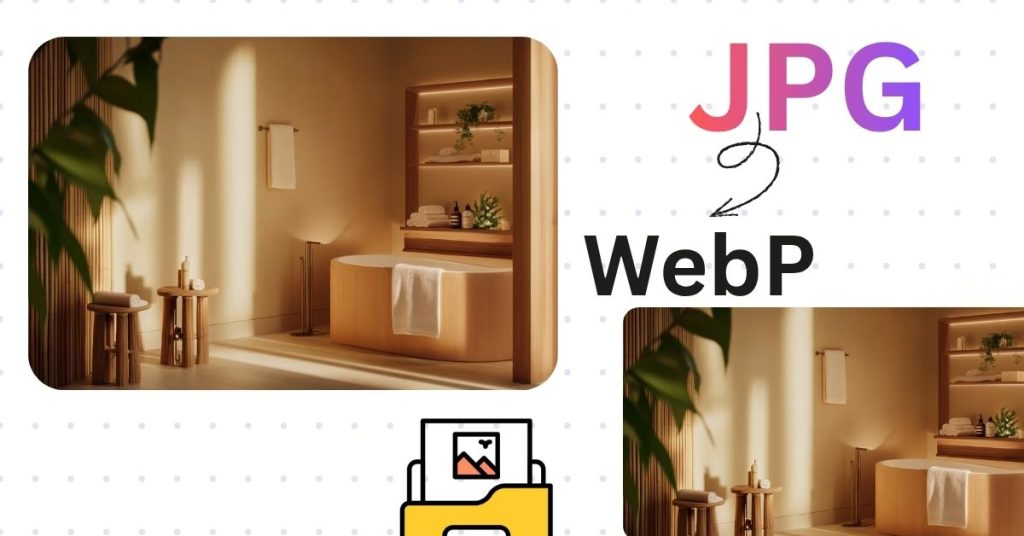
By converting JPG to WebP, you can cut your image size by up to 40%, without losing quality.
That means faster load speeds, better SEO, and happier users.
What Makes WebP So Powerful?
WebP is not just another image format — it’s a revolution in web performance.
Here’s why top brands and developers use it every day:
✅ Smaller File Size: WebP compresses images efficiently, often 25–40% smaller than JPGs.
✅ Crisp Quality: Keeps visual clarity even at reduced sizes.
✅ Supports Transparency: Perfect for logos and overlays (unlike JPG).
✅ Fully Compatible: Supported by all major browsers — Chrome, Edge, Firefox, Safari, and more.
Simply put, WebP gives you the best of both worlds — beautiful images that load blazing fast.
How to Convert JPG to WebP in Seconds
No software. No account. No upload delay.
With PixelTight’s JPG to WebP Converter, everything happens right inside your browser — private, fast, and free.
Here’s how easy it is:
Upload or drag & drop your JPG images.
Wait a few seconds while the tool converts them locally.
Download your new WebP files instantly.
Each image is processed securely on your device, so your files never leave your computer.
⚖️ JPG vs WebP – The Real Difference
| Feature | JPG | WebP |
|---|---|---|
| File Size | Larger | Up to 40% Smaller |
| Transparency (Alpha) | ❌ No | ✅ Yes |
| Compression Type | Lossy | Lossy + Lossless |
| SEO Advantage | Medium | ✅ High |
| Browser Support | Universal | ✅ Universal (Modern Browsers) |
Switching to WebP can dramatically improve your Core Web Vitals — especially Largest Contentful Paint (LCP) — which Google now uses as a ranking factor.
Why WebP Helps SEO
Every millisecond matters in SEO.
WebP helps your site:
⚡ Load Faster: Reducing file weight means faster page rendering.
Rank Higher: Google rewards optimized sites in search results.
Increase Conversions: Faster load = less bounce, more engagement.
Save Bandwidth: Great for both users and hosting costs.
When your pages load 30–40% faster, you don’t just improve UX — you send the right signals to Google.
Ideal Use Cases for WebP
✅ Blogs & portfolios with lots of visuals
✅ E-commerce product images
✅ Landing pages and ads
✅ Digital portfolios & agency websites
✅ Mobile-first web design
Whether you’re a designer, blogger, or developer, WebP helps your content shine faster.
Try the Free JPG to WebP Converter
Stop wasting time with bloated images.
Optimize your visuals now using PixelTight’s free browser-based tool:
Convert JPG to WebP
You’ll love how quick and smooth it feels — no installs, no limits, and no loss of quality.