If you’re running a blog, eCommerce store, portfolio, or business website in 2026, here’s the truth:
👉 Image format can either boost your speed…
👉 Or quietly destroy your SEO.
Most people still upload images without thinking twice. Big mistake.
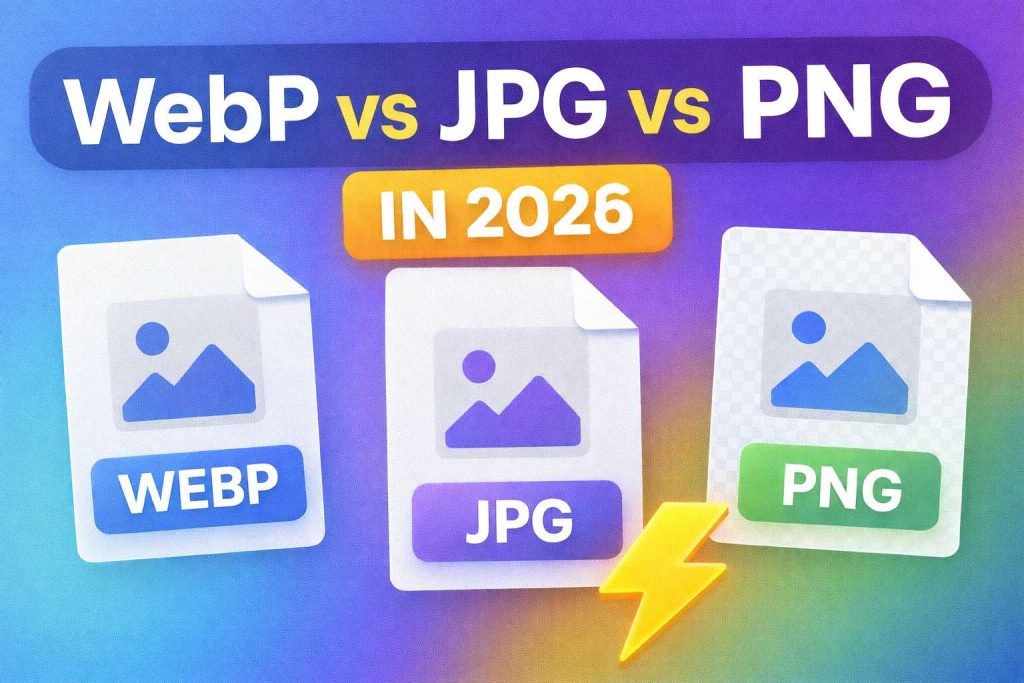
Because in 2026, website speed, Core Web Vitals, and mobile performance matter more than ever. And the format you choose — WebP, JPG, or PNG — directly affects that.
Let’s break it down in a simple, real-world way.
🚀 Why Image Format Matters More in 2026
Search engines are smarter. Users are impatient. Mobile browsing dominates everything.
If your site is slow:
Visitors leave
Bounce rate increases
Conversions drop
Google pushes you down
And guess what causes most slow websites?
Large, unoptimized images.
Choosing the right format + compressing correctly can improve load speed by 30–50%.
That’s huge.
🟡 JPG – The Safe & Universal Choice
JPG is still everywhere in 2026.
Best for:
Blog posts
Photography
Product images
Social media
Why people still use it:
✔ Works on every device
✔ Smaller than PNG
✔ Balanced quality
But remember — JPG is not the smallest format anymore.
If speed is your #1 goal, there are better options.
🟢 PNG – Best for Graphics & Transparency
PNG is perfect when you need clean edges and transparency.
Best for:
Logos
Icons
UI elements
Transparent backgrounds
The downside:
PNG files are usually bigger.
Bigger file = slower loading.
If you use PNG, always compress it before uploading.
👉 You can reduce image size instantly here:
https://www.pixeltight.com/compress-image/
🔵 WebP – The Smart Choice in 2026
Now let’s talk about the real winner in 2026.
WebP is dominating modern websites because:
✔ 25–40% smaller than JPG
✔ Supports transparency (like PNG)
✔ Excellent quality
✔ Faster load times
✔ Better SEO performance
Most modern browsers fully support WebP now.
If you care about speed and rankings, WebP is usually the best option.
📊 Quick Comparison (2026 Update)
| Format | File Size | Quality | Transparency | Best Use |
|---|---|---|---|---|
| JPG | Medium | Good | No | Photos |
| PNG | Large | Excellent | Yes | Logos |
| WebP | Small | Excellent | Yes | Fast websites |
🎯 So What Should You Use in 2026?
Here’s the simple answer:
Use WebP for website images (best balance of speed + quality)
Use JPG when you need maximum compatibility
Use PNG only for logos and graphics
But no matter what format you choose…
You MUST optimize.
⚡ Don’t Just Choose Format — Optimize It
Even the best format won’t help if the image is 5MB.
Before uploading any image:
✔ Compress it
✔ Crop to correct dimensions
✔ Convert to the right format
Here are tools that make it easy:
🔹 Compress Image
https://www.pixeltight.com/compress-image/
🔹 Crop Image
https://www.pixeltight.com/crop-image/
🔹 Convert AVIF to PNG
https://www.pixeltight.com/avif-to-png/
No signup. No complicated steps. Just fast results.
💬 Final Thoughts (Real Talk)
In 2026, attention spans are short.
Your website has seconds to impress.
If your images are heavy and unoptimized, you’re losing traffic without even realizing it.
Choosing the right format + optimizing properly can:
✔ Improve Google rankings
✔ Lower bounce rate
✔ Increase conversions
✔ Make your site feel professional
Small change. Big impact.