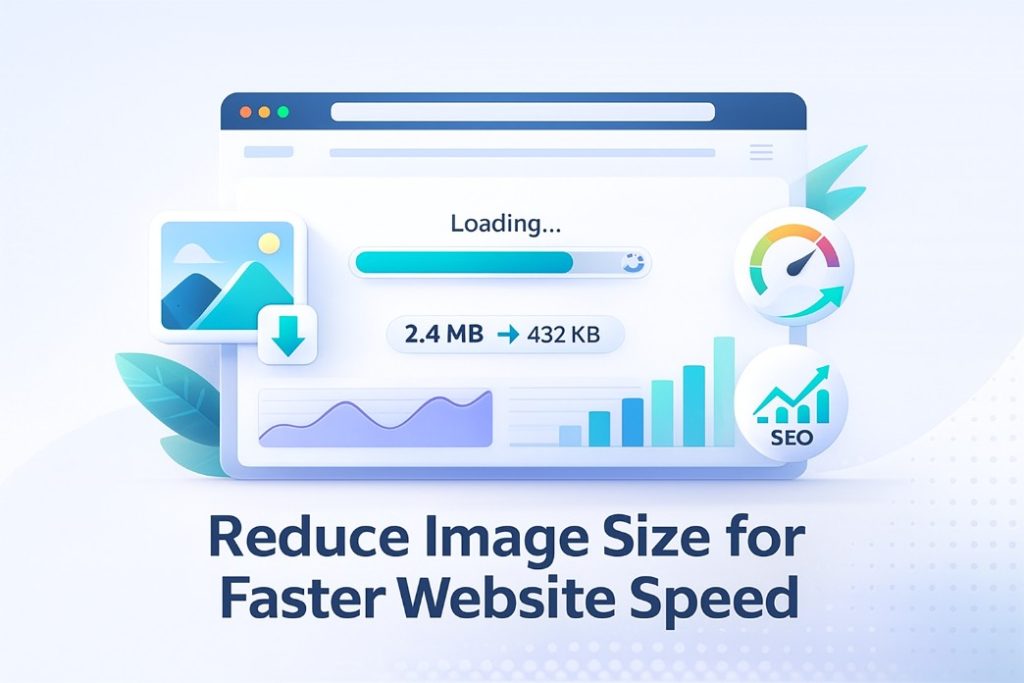
Website speed is one of the most important ranking factors in Google search results. Whether you run a blog, online store, or business website, slow loading times can drastically reduce conversions and increase bounce rates.
One of the biggest causes of slow websites?
Large image files.
Fortunately, you can fix this problem instantly using a reliable online image compression tool like
https://www.pixeltight.com/compress-image/
This simple tool helps reduce image size without losing quality — perfect for SEO and speed optimization.
Why Reducing Image Size Is Important
✔ 1. Faster Page Load Times
Large images take longer to load, especially on mobile devices. Compressed images significantly improve loading speed.
✔ 2. Better Google Rankings
Page speed directly affects SEO. A faster site = higher ranking potential.
✔ 3. Improved User Experience
Visitors stay longer and bounce less when pages load quickly.
✔ 4. Saves Storage & Bandwidth
Smaller images reduce hosting costs and server load.
✔ 5. Better Performance on All Devices
Compressed images ensure smooth performance across desktops, tablets, and smartphones.
️ What Is the Best Way to Reduce Image Size Online?
The fastest and simplest method is using our free online image compressor.
Try it here:
https://www.pixeltight.com/compress-image/
No signup, no watermarks, and no quality loss.
How to Reduce Image Size Online (Step-by-Step)
Open the tool:
https://www.pixeltight.com/compress-image/Upload your image (JPG, PNG, WEBP, AVIF supported).
The tool automatically compresses your image using smart optimization.
Download your smaller, high-quality file.
Done! Your image is now optimized for web, social media, or storage.
When Should You Reduce Image Size?
People search for this almost every day because they need smaller images for:
Website banners
Blog posts
E-commerce product photos
Email attachments
Instagram or Facebook uploads
Google PageSpeed optimization
Portfolio websites
Thumbnails for YouTube & social media
If your images look great but load slow, compression is the solution.
⭐ Benefits of Using Pixeltight’s Image Compression Tool
No quality loss
Images stay sharp and professional.
100% free
No limits, no subscriptions.
Lightning-fast
Reduces size in seconds.
Safe & private
Images aren’t saved on any server.
Works on all devices
Mobile-friendly and browser-based.
Use it anytime here:
https://www.pixeltight.com/compress-image/
Final Thoughts
If you want a faster website, higher Google rankings, and smoother user experience, start by compressing your images. Reducing image size is the simplest and most effective optimization step you can take.
Use our free tool to shrink your images instantly:
Compress Image Online – Free Tool
https://www.pixeltight.com/compress-image/